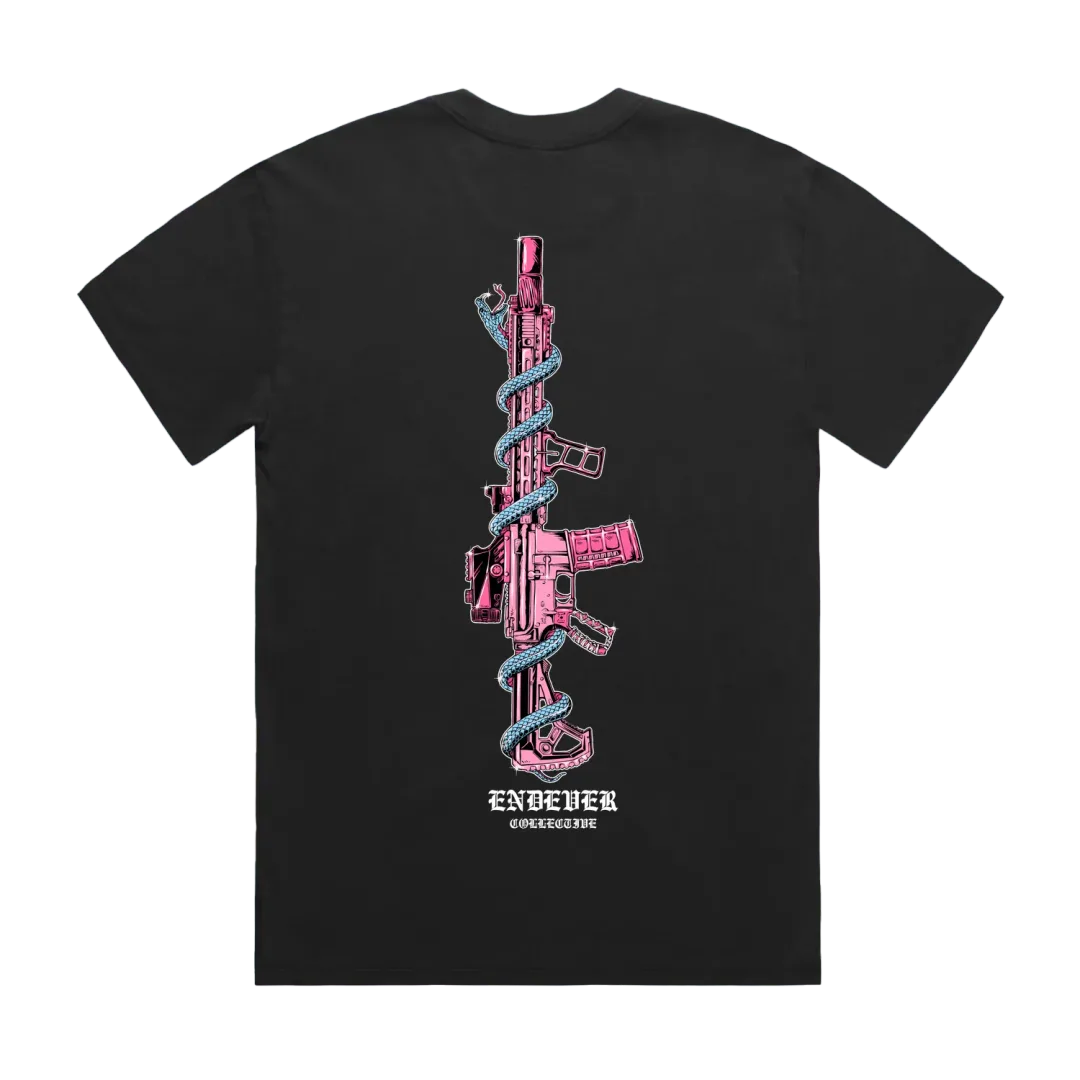
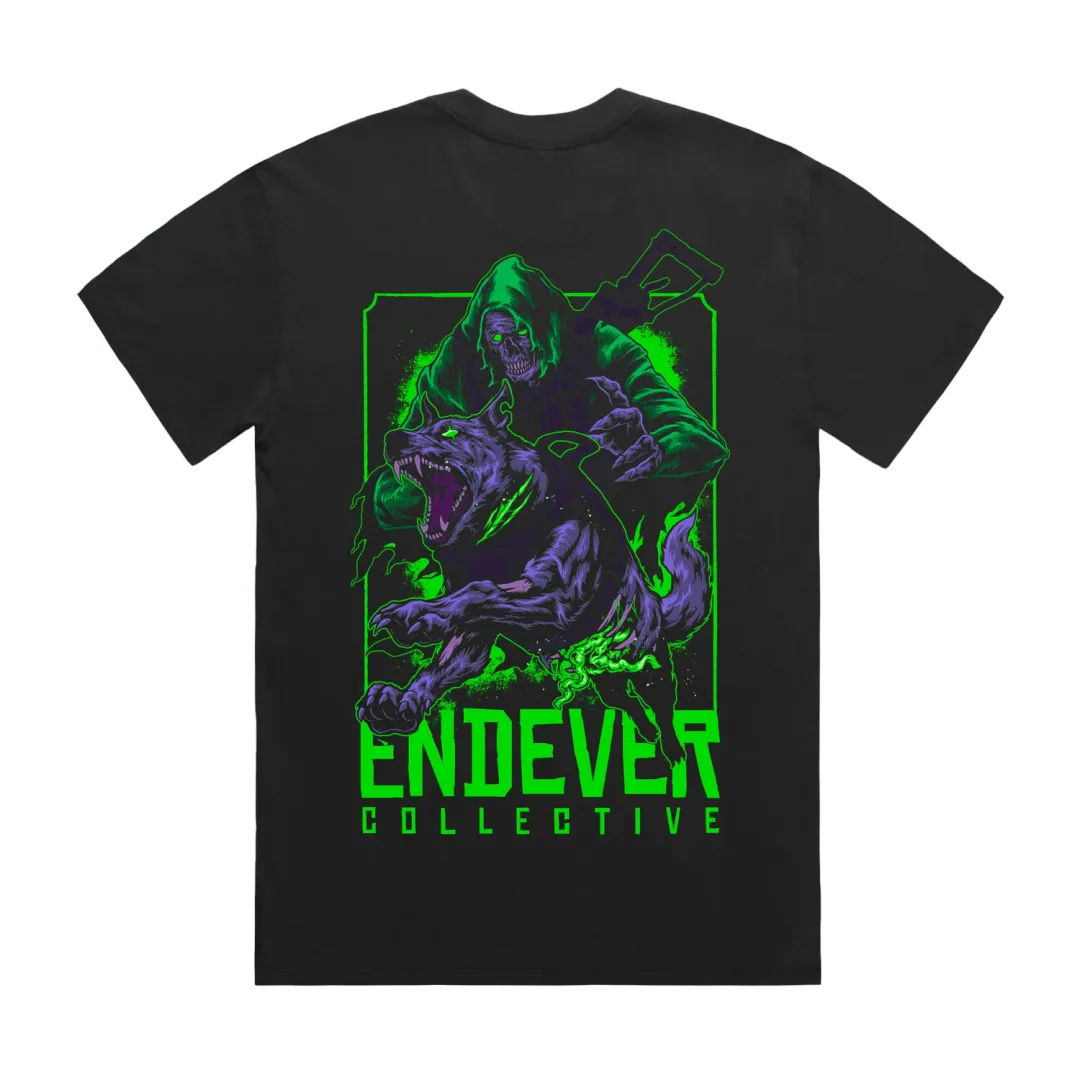
Build your loadout
Five quick calls, one deploy. Lock a weight class, then run the manifest: garment, patch, sticker, headwear. Skip anything you do not need. Your class carries from Operator Select.
- Class
- Garment
- Patch
- Sticker
- Headwear
- Deploy
Lock your weight class
Two base weights. Standard runs light for everyday carry, Heavy runs 320 GSM for cold work. Your pick sets the price on every garment.
Pick your garment
The back graphic leads every tee. Price reflects the weight class you locked. One garment per kit, or skip it.
Cut oversized. Size down for a closer fit. Pick a tee above to set its size.
Add a patch
Hook-backed, ready for a plate carrier or a cap. One per kit, or skip.
Throw in a sticker
Weatherproof die-cut. More designs land with the next issue.
Top it off
Embroidered marks, faded black across the board. One lid per kit, or skip to deploy.
Equipped operator // Deploy
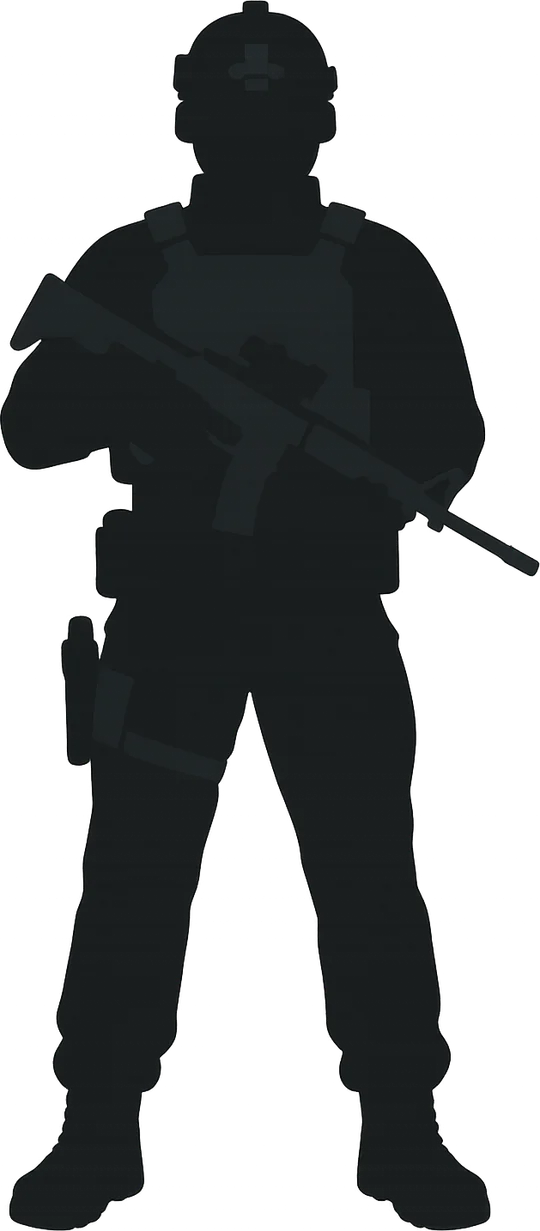
Your staged kit, mounted on the operator. Tap any slot to swap that piece. Deploy adds the whole kit to your loadout at once.
Operator classNot set
Concept only // checkout not wired. Deploy stages the kit in your loadout drawer.